
Getting started: from nothing to a published site
This is the shortest path from signing up to a real site on a real address. Everything here works on the free plan.
Create your account and your first project
Sign up with your email or Google account. Every piece of work lives inside a project, so the first thing you will see is the project selector at the top of the left rail. Name the project after the business — the name also decides your free web address (yourname.rewebsite.dev), so keep it short and unique.
Tip · One project = one website plus all the content produced around it.
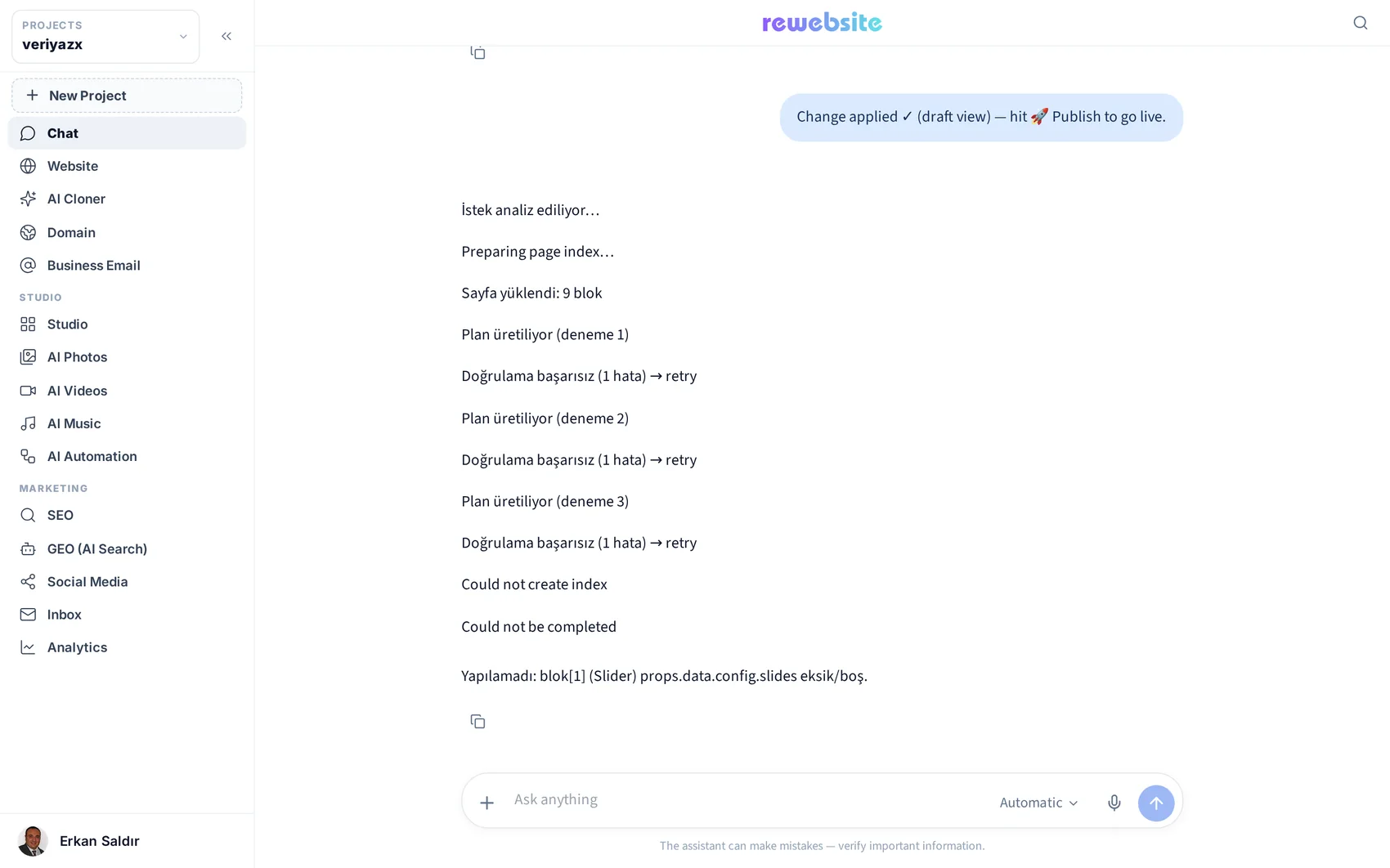
Bring in a site — clone it or generate it
If the business already has a website, open AI Cloner, paste the address and let it detect the pages. If there is no site yet, open Chat and describe the business in a sentence or two; the builder produces a themed multi-page site you can then edit. Either way, you end up with an editable project rather than a locked template.

Make it yours in the editor
Open Website. Your page appears in the middle with the component library on the left. Click any text and type. Drag a section to move it. Click an image to swap it. Nothing here needs code, and nothing you do is permanent until you publish.

Check the pages and the menu
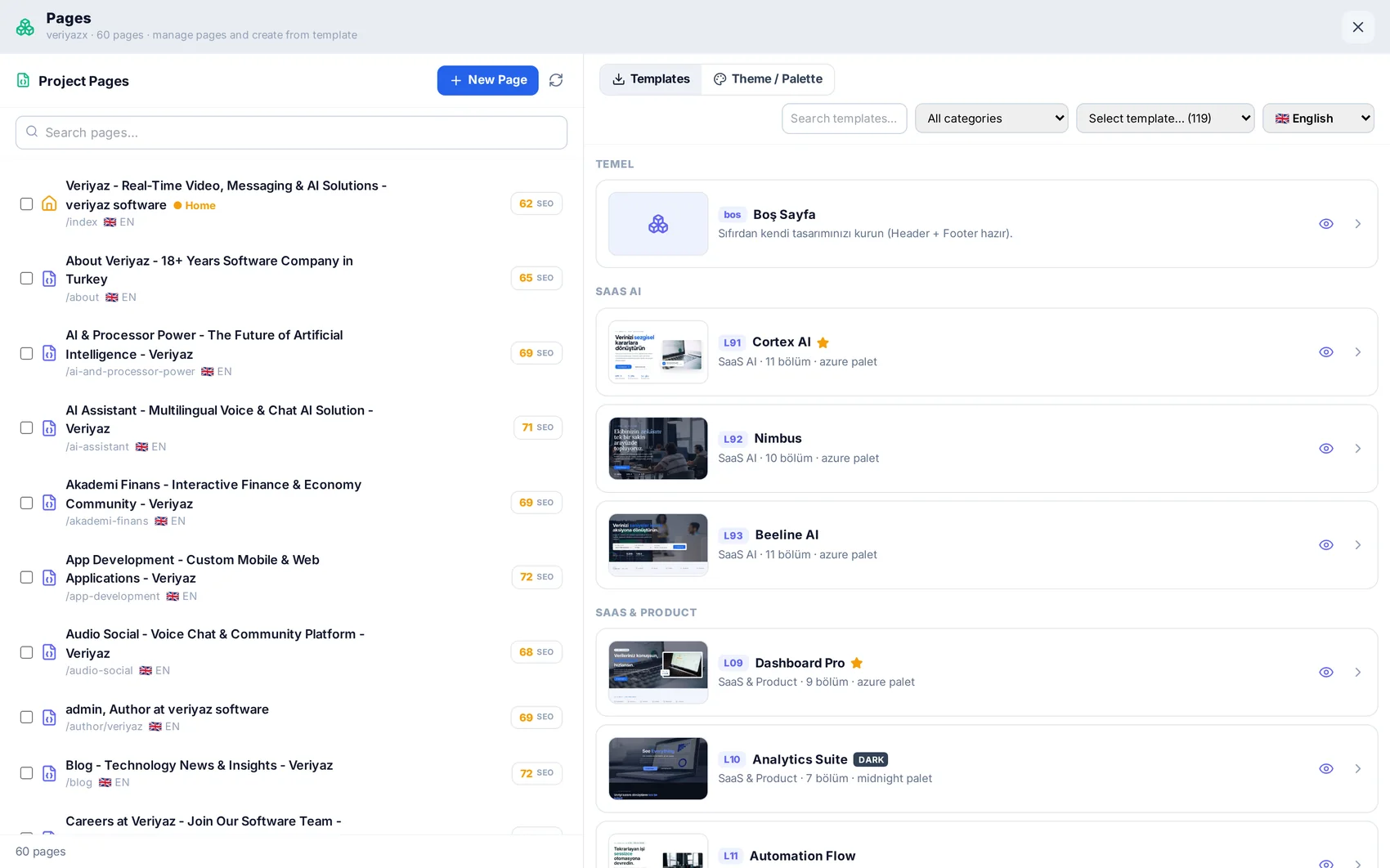
The Pages panel lists every page in the project. Add, rename, duplicate or reorder pages, and start new ones from a ready layout. The menu follows the pages, so a new page can be in the navigation in seconds.
Publish
Press Publish in the top bar. The project is built and deployed to its own isolated environment with a free SSL certificate, on your yourname.rewebsite.dev address. Publishing again later only takes a moment — you can iterate as often as you like.
Tip · Ready for your own domain? See the "Domain and business email" guide.

Then start marketing it
The site is the beginning. From the same left rail you can generate images and videos, design social posts, optimise for search, schedule posts and watch the traffic arrive. The guides below cover each of those.
Read next
Clone an existing website
Turn a live URL into a fast, editable, multi-page project — and know what to check afterwards.
The visual editor: blocks, sections and settings
How to edit anything on a page without code — and where the advanced doors are when you want them.
SEO: getting found in Google
Meta and sitemaps, keyword and position tracking, site audits, and your own Search Console data.