
Studio · 5 min · 4 steps
AI Music: jingles, tracks and lyrics
Music is the part of a video most people give up on. Here it is four dials and a text box.
1
Set style, mood, tempo and era
Open AI Music and turn the dials: genre, mood, tempo and the decade it should sound like. The preview updates as you go, so you can find the direction before committing to a full track.

2
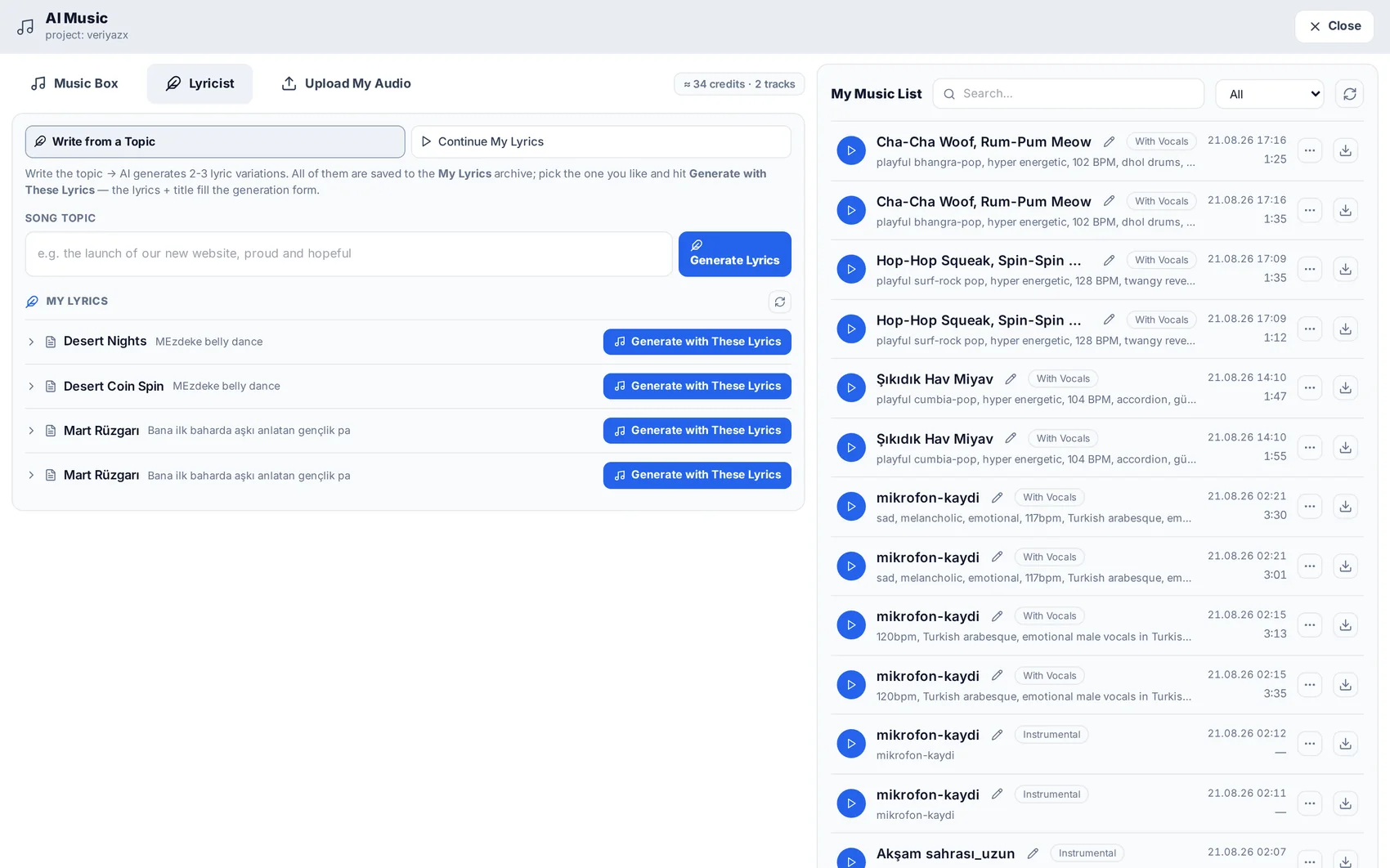
Write the lyrics — or have them written
Paste your own lyrics, or let the lyricist write them in one of eight languages from a topic and a tone. You can edit the result line by line before it is sung.
3
Choose the voice
Pick a generated voice, or upload a sample of your own and have the track sung in it. Instrumental versions of the same track are produced alongside the vocal one.
4
Use it
Finished tracks are stored in the project library, ready to sit under a video, an ad or an automated production run.
Read next
Try it while it is fresh.
Menu
Resources
Services