
← Platform / Studio
AI Photos
Product and brand images without a shoot
The images a business actually needs are boring and constant: a product on a clean background, a team photo that matches the other team photos, a section background that is not a stock cliché. This module makes those, and edits the ones you already have.

Replaces
Midjourney · Firefly · Ideogram · Canva AI · a product photo shoot
Who it is for
Text to image
Describe what the picture should show, choose the size and aspect ratio, generate. The prompt library holds ready starting points if you would rather adapt than write from scratch.

Image to image
Upload a photo you already have and choose a transform: new background, new style, upscale, retouch. This is the fastest route from a phone photo to a catalogue image.
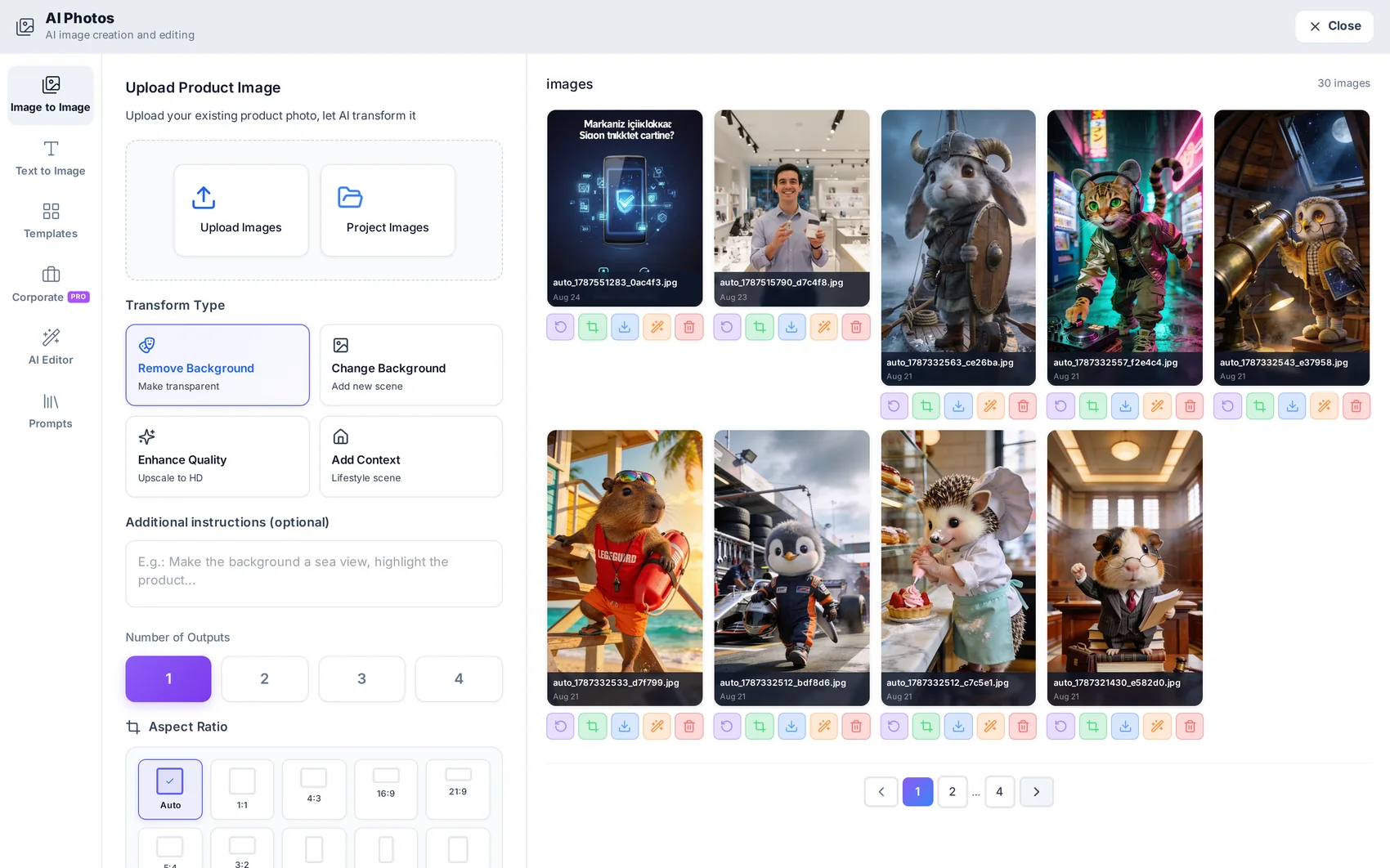
Cut-outs and editing
One click removes the background and leaves a clean cut-out with transparent edges — ready to place on a coloured shape in Studio or over a section background. The editor also handles retouching and adjustments on real pixels.
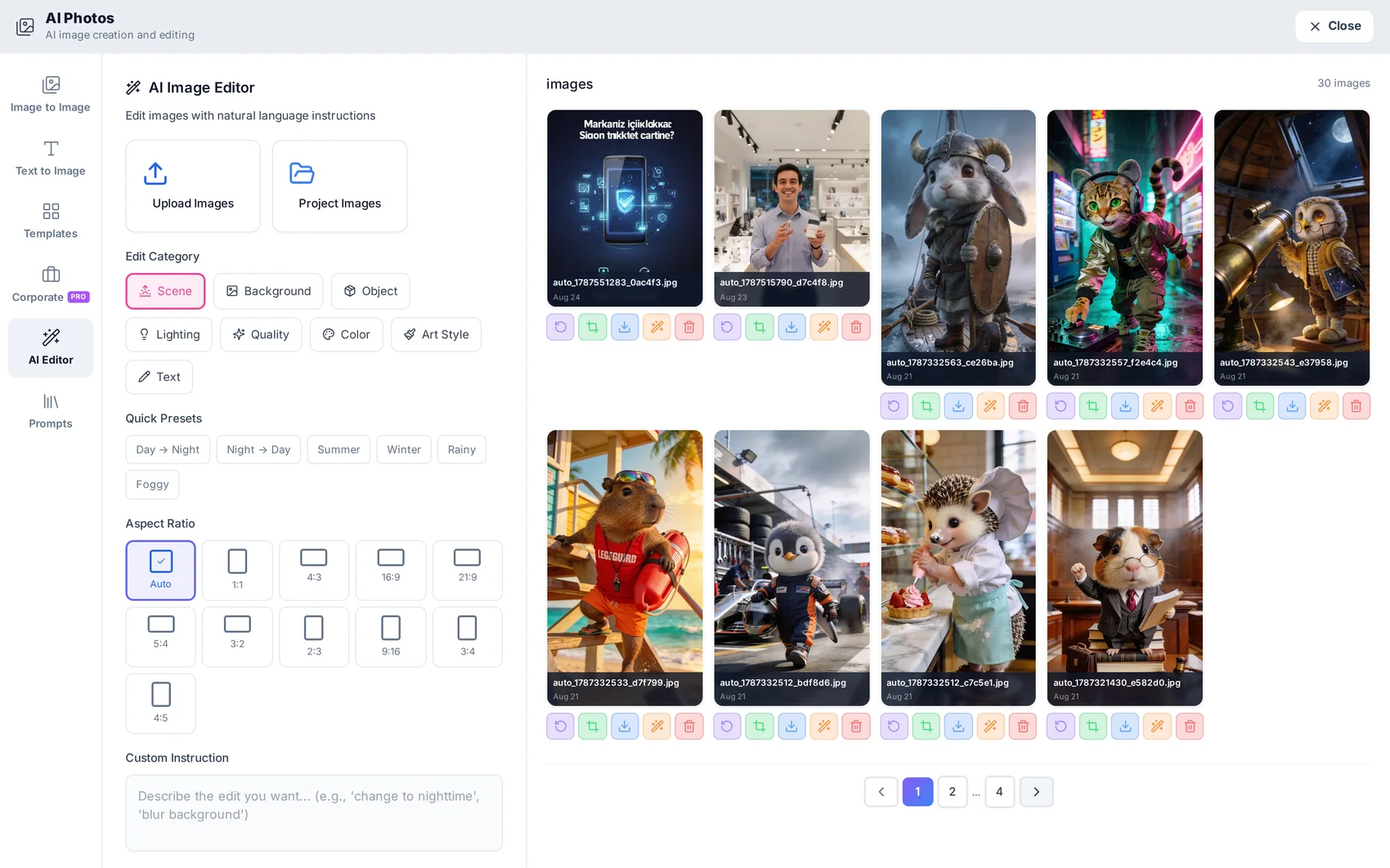
Consistency at volume
Corporate templates apply the same lighting, framing and background across a set of products or people, so a catalogue looks like one shoot instead of ten different afternoons.

Questions about
AI Photos
Anything else? Write to [email protected] or read the step-by-step guide.
What does an image cost?
About one credit per generated or retouched image.
Can I use the images commercially?
Yes — what you generate in your project is yours to use for your business.
Can it edit a photo instead of inventing one?
Yes. Image to image, background removal and the editor all work on your own uploads.


AI Photos is included on every plan.
The plan decides how many projects and credits you get — not which modules you can open. Start on the free plan and see for yourself.